Quandobit
Digital event invitations for your special day
When your vision becomes reality.
With our invitation designer, you can customize your digital invitation using one of our templates to match your preferences. After your purchase, you will receive a link that gives you access to the invitation designer, where you can edit the event name, texts, colors, music, pictures and the video and add as many guests as you want.
Show me how it works in detail
- Choose the template you would like to customize for your event.
- Place your order in our shop. You get there by clicking the picture of the template you want.
- We generate a personal access link, and send it to the email address you used for the purchase.
- When you open the access link for the first time, you will be asked to create a password for future logins. This helps keep your invitation secure, even if someone else gains access to the link.
- After that, you get redirected to our invitation designer. There you can do the following.
Click to show more/less.
- Customize the event name,
e.g. quandobit.com/invite/ xxxxx/ EventName/ to-GuestName - Change the event date, time and timezone to ensure the countdown works correctly.
- Choose whether guests can send public messages visible to other guests.
- Open a preview of your invitation. The preview is not shareable with others, as it only works, when you are logged in.
- Add as many guests as you like.
- Copy your guests personal invitation link or a fully customizable invitation message (this can include placeholders for their name and their invitation link).
- Change the texts, links to Google Maps (e.g. in your timeline) and certain colors.
- Change the music, pictures and background video of the invitation to your special day.
To make sure that your invitation loads fast for your guests, the following restrictions apply.
You will be able to edit the following:
- Global background picture behind the letter
- Global background video behind the letter (this covers the global background picture, as soon as it’s fully loaded)
- Up to 8 pictures for your gallery
- On every page of the letter you can choose a separate background picture
- On every page of the letter you can choose up to two pictures and change their widths between 1% and 100% of the available page width
- Customize the event name,
- Invite your guests and use the dashboard to see their messages and if they attend your event.
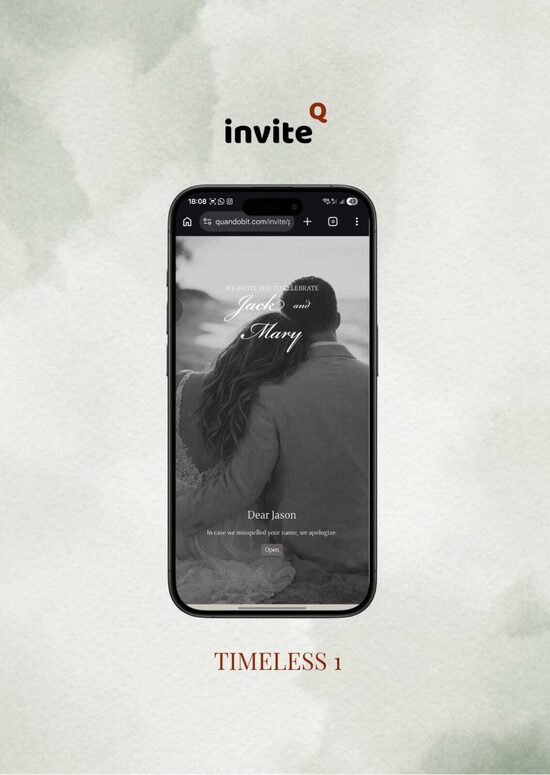
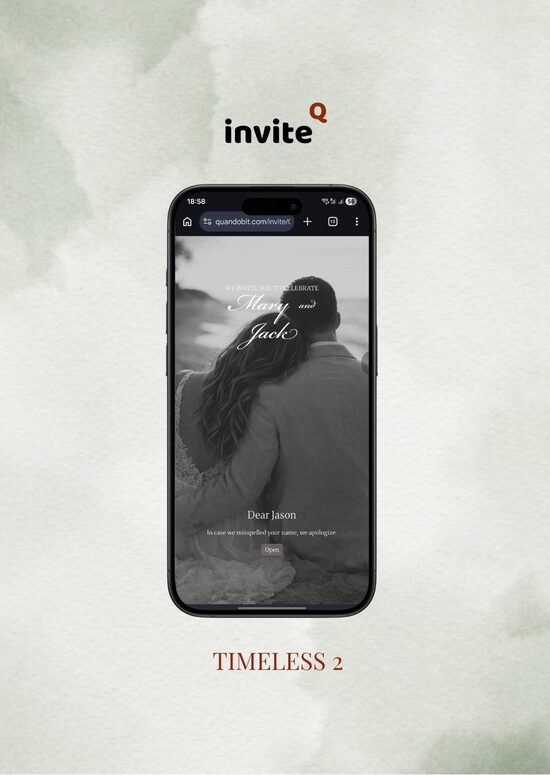
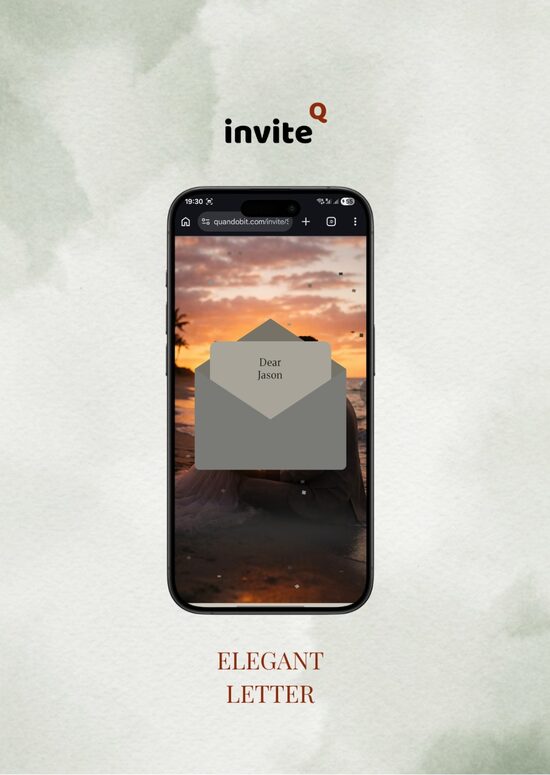
Discover our templates
What you get
♾️ Unlimited Revisions
Other companies sell revisions. With Quandobit Invite you are the designer and have full access at any time. You can freely edit your digital invitations, update text, images, and guest lists, and make changes as often as you need.
🚀 Easy & Fast Setup
Get your digital invitation up and running in minutes. Our simple setup process lets you create, customize, and publish your event quickly - no technical skills required. Everything is designed to be intuitive so you can focus on your event, not the setup.
🌿 Eco-Friendly Invitations
Go completely paperless with modern digital invitations that are both elegant and sustainable. Reduce paper waste and environmental impact while still delivering beautifully designed invitations that impress your guests and support a greener future.
🔐 Secure Private Access
Your event stays private and protected at all times. Each invitation is secured with controlled access so only invited guests can view event details and interact with your invitation. This ensures privacy, safety, and full control over your event.
💌 Personalized Guest Experience
Create a more personal connection with your guests by sending individual invitation links and tailored messages. Each guest receives a unique experience, making your event feel more thoughtful, engaging, and memorable from the very first interaction.